Kakobuy Hoodie QC Image Comparison
Kakobuy Hoodie QC Image Comparison
Kakobuy Hoodie QC Image Comparison: Comparing Stitching and Pattern Evidence Between Site Spreadsheet and Google Sheets
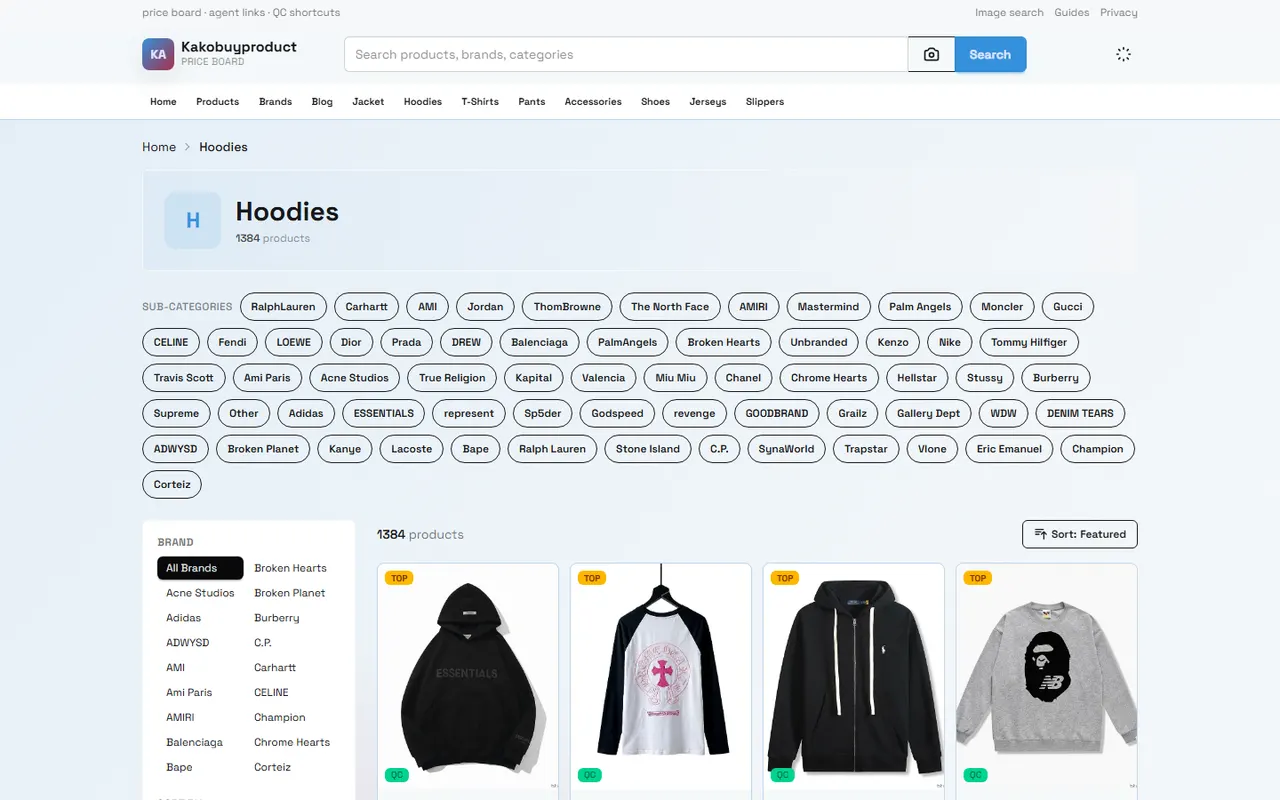
The focus of QC images for embroidered hoodies is not whether they "look good," but whether the images are sufficient to support the next decision: accept the item, request additional photos, contact customer service, or, where allowed, apply for a return or exchange. This article only discusses images and recording methods; it does not describe image observation as a tactile, wearing, or actual receipt experience.
This article is suitable for people who already have product records or warehouse QC images and need to centrally inspect embroidered hoodies. It is not applicable for judging fabric feel, warmth, wash resistance, or long-term wearing effects based on a single blurry image. kakobuy's inspection instructions mainly cover style, quantity, color, size, model, and other appearance information, so image evidence should also focus on these observable items. Platform rules and product status may change; when it comes to returns or exchanges, you should re-check the current page and order conditions on September 28, 2026.
Clarify the QC verification tasks for embroidered hoodies first
Before starting, break down "quality is good or not" into observable questions:
Does the embroidery pattern match the ordered style, color, and size?
Is the pattern in the expected position, or does it clearly lean to the left or right?
Are the main stitches continuous, or are there large areas of skipped stitches, broken threads, loose threads, or obvious fraying?
Are there visible differences in height, angle, or spacing between left and right symmetrical patterns?
Are there obvious stains, damage, or deformation on the body, cuffs, collar, and hem?
Do the current images support a conclusion, or do you need additional closer, more frontal angles?
When recording, do not write "no problem" when you cannot see clearly. A safer expression is "the current image cannot confirm," and specify which additional image is needed. This avoids mistaking insufficient evidence for a pass.
How to centrally view products and QC images with kakobuy's website-style Spreadsheet
If kakobuy's product or order pages provide a website-style Spreadsheet, you can first organize each product into a row, then use QC images as the evidence entry under the same record. It is recommended to prioritize these fields: product name, order or product identification, color, size, image date, number of images, abnormal location, current conclusion, and next action.
The viewing order can be fixed as follows:
First confirm that the record corresponds to the correct product to avoid mixing up similar styles or another hoodie from the same order.
Then check whether the color, size, and style information match the order record.
Open images in the order of front, back, left and right sides, and detail shots.
Finally, fill in the abnormal location and evidence level, rather than writing a conclusion first and then looking for supporting images.
kakobuy's platform instructions show that product fees, international shipping fees, and customs declaration fees are calculated separately, and logistics routes and timeliness may also change depending on the plan and destination. At the QC stage, you should first resolve the issue of product appearance matching the order, and not mix subsequent shipping fee or customs judgment into the embroidery stitching conclusion. 📦
How to record image links, specifications, and abnormal locations in Google Sheets
Google Sheets is more suitable for multi-person collaboration, filtering, and additional notes. You can use one row per product, or, when there are many images, one row per image. The former is convenient for quick summary, while the latter is more suitable for annotating each image individually.
It is recommended to record at least the following:
Product identification: order number, product name, or other internal number that does not contain sensitive payment information.
Specification information: color, size, quantity, and ordered style.
Image information: image date, shooting angle, clarity, and image location.
Observation results: pattern position, stitching, symmetry, stains, or damage.
Evidence status: confirmed, suspected abnormality, insufficient images, or no visible abnormality found.
Action: accept, request additional photos, consult customer service, apply for after-sales, or postpone decision.
Do not put complete payment card information, passport, complete waybill, or unnecessary personal address in a shared spreadsheet. If you need to screenshot for collaboration, you should first cover personal information such as name, phone number, order number, and address. 🔒
Compare embroidery stitching, pattern position, and left-right symmetry
Look at overall position first
After enlarging the front image, observe the position of the pattern relative to the collar, shoulder line, center line of the body, and hem. Do not look only at the pattern itself, because whether the pattern is offset usually needs to be judged with reference to the garment structure.
If there is no flat front image, you can write the conclusion as "cannot accurately judge the overall position" rather than directly concluding it is misaligned. When the garment is folded, tilted, or hung, visual offset may come from the shooting angle.
Then look at stitching continuity
Enlarge the image to a point where the main outlines are clear, and check:
Whether the outline line suddenly breaks in the same segment;
Whether thread ends are obviously exposed or form long loose threads;
Whether there are large gaps in the filled areas;
Whether there is obvious color bleeding between threads of different colors;
Whether the pattern edges have severe fraying unrelated to image clarity.
Image compression, reflections, and shadows can affect judgment. Only record as a relatively clear visible abnormality when the abnormal boundary is clear and still appears in adjacent angles.
Finally check left-right symmetry
For left-right symmetrical letters, wings, faces, or geometric patterns, compare the height, width, tilt angle, and edge distance on both sides. It is best to use the same flat front image, not directly compare images from different angles.
Not being perfectly symmetrical does not necessarily mean the product is substandard. You should distinguish between design asymmetry, deformation caused by garment placement, and actual embroidery position shift. When recording, you can write "the right pattern is slightly lower than the left, needs flat front additional photo to confirm," which is more consistent with evidence boundaries than directly writing "severe misalignment." 🧵
Differences between website image preview and external links in spreadsheets
The advantage of a website-style Spreadsheet is that product records, platform status, and image entries are usually concentrated in the same workflow, suitable for quickly browsing multiple products. The advantage of Google Sheets is more flexible custom fields, filtering, comments, and multi-person collaboration.
The two can be used with the following division of labor:
Usage scenario | More suitable tool | Main reason |
|---|---|---|
Quickly confirm whether products correspond to QC images | kakobuy website-style Spreadsheet | Product records and platform processes are more concentrated |
Batch filter "insufficient images" or "pending additional photos" | Google Sheets | Fields, filtering, and comments are more flexible |
Compare the same style in different colors or sizes | Google Sheets | Convenient for unified recording and horizontal comparison |
Handle order-related after-sales actions | kakobuy current order page | Needs to follow platform current processes and order status |
If after opening the image from the spreadsheet you cannot confirm whether the image belongs to the current product, you should go back to the product record to verify, rather than judging only by file name or browser tab. Even if the image link opens, it does not mean the image content is sufficient to support a QC conclusion.
Which defects can be observed from images, and which still need additional photos
Usually can be observed from clear images:
Obvious color error or style error;
Pattern significantly deviating from expected position;
Large areas of broken threads, missing threads, or obvious loose threads;
Visible stains, holes, tears, and severe deformation;
Left and right patterns with clear and repeatable height differences.
Usually cannot be confirmed only by ordinary QC images:
Fabric softness, thickness, and actual warmth;
Durability of embroidery after multiple washes;
Complete condition hidden inside or within packaging;
Whether the size fits personal wearing preference;
Whether the color in natural light matches the screen exactly.
In these cases, you can make targeted additional photo requests: flat front image, close-up of the pattern, detail shots of collar and cuffs, inside stitching image, or size reference image with a ruler. The additional photo request should describe the location and angle, for example, "please take a close-up of the lower right corner of the chest pattern," not just "please take clearer photos."
QC conclusion record sheet and evidence boundaries
It is recommended to record conclusions in short, verifiable sentences:
Confirmed: front image is clear, color, size, and main pattern position match the record, no obvious appearance abnormality found.
Suspected abnormality: there may be loose threads on the right side of the chest pattern stitching, but the current image cannot confirm, needs close-up.
Insufficient images: no flat front image, cannot judge whether the pattern is misaligned.
Pending platform processing: specific abnormality has been recorded, next step needs to follow current order or customer service process to submit application.
Do not use words that cannot be proven by images such as "authentic," "absolutely flawless," or "guaranteed to last." The platform's inspection scope is mainly appearance and order information verification; do not expand appearance image inspection into material identification or long-term quality assurance.
Additional photo requests or ordering actions after completing verification
After completing the records, you can handle in the following order:
No obvious abnormality, and key angles are complete: save QC records, and then decide subsequent storage, consolidation, or shipping arrangements based on order status.
Suspected abnormality, but insufficient images: first request additional photos of the specified location, and postpone irreversible next steps.
Confirmed obvious problem: save original images, mark abnormal locations, and submit according to kakobuy's current after-sales or return/exchange process.
Involving size, color, or model errors: keep both order records and QC images, avoid submitting only blurry partial images.
If considering consolidated shipping, do not consolidate just to save one repeat first weight. Consolidation may reduce some repeated operation costs, but may also increase package volume, declared value, or single loss risk; splitting may increase fixed fees but may be more suitable for route restrictions or high-value items. Whether it actually saves should be calculated based on actual weight, destination, route, and platform current quotes, not inferred from embroidery images.
Therefore, the savings from image verification come from reducing incorrect shipments, reducing ineffective communication, and discovering visible problems early; the increased risks include missing defects due to low-resolution images, premature confirmation leading to loss of processing time, and mistaking appearance judgment for complete quality assurance. It is suitable for buyers who have clear QC images, are willing to record item by item, and request additional photos when necessary. It is not recommended to confirm results with just a glance at previews when images are blurry, product information does not match, or the after-sales window is about to close.
Frequently Asked Questions about agent platform shopping
1. How do I find the products I want to buy on kakobuy?
You can search using a single keyword or go directly to the category page, where products are also arranged by brand. Longer search terms usually return fewer results than shorter ones, but they are more precise. For example, you can search for "Air Force 1 White," "sneakers," or directly search for "Air Force 1."
2. Is kakobuy's spreadsheet website safe?
kakobuy's spreadsheet website does not collect any personal information; it serves only as a product catalog for the proxy shopping platform. All transactions are conducted on the proxy shopping platform.
3. Why use a spreadsheet on kakobuy?
Proxy shopping platforms usually do not display products directly, so you need a spreadsheet to search for desired items and find purchase links. Alternatively, you can seek help on Reddit or Discord – the products recommended on these platforms are usually good, but the shopping process can be quite slow. These spreadsheets are often compiled from long-term collection of information from these platforms.
4. How do you judge product quality on kakobuy?
To assess product quality, look at QC photos – do not rely only on factory-taken photos, as those are often retouched. Use QC photos to confirm whether the product meets your specific requirements for details before deciding to actually purchase. Also, remember that you should avoid purchasing extremely low-priced items, as they are usually not of great quality.
5. What types of products are available on kakobuy's website?
kakobuy's website offers a wide range of product categories, including shoes, T-shirts, sweaters, hoodies, jeans, sweatpants, shorts, beach shorts, factory clearance items, down jackets, baseball shirts, shirts, hats, jewelry, bags, electronics, sunglasses, socks, underwear, and trendy collectibles.
Browse our latest products and find your next favorite item.